Seedance 2.5 is a multimodal model that takes text, images, video and audio together and generates a cinematic video. A single take can run up to 30 seconds with native synced audio, prompt-driven camera moves and output up to 1080p. You can lock subject and style with those references, then restyle, swap an element or extend a shot in plain language.
The world's #1 AI video model
Seedance 2.5: Native 30s Video Generator
Generate cinematic video from text, images, videos and audios - with up to 50 references, precision editing, 1080p output and synced audio in the same render.
Sample Video
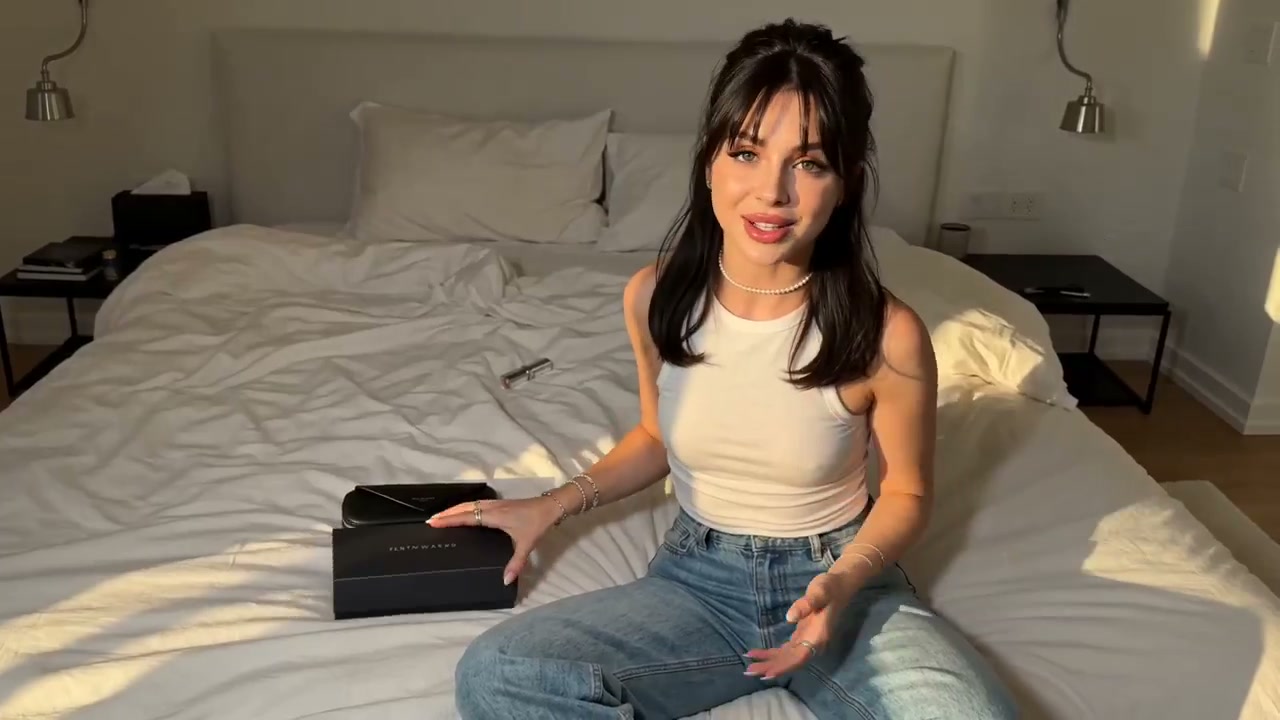
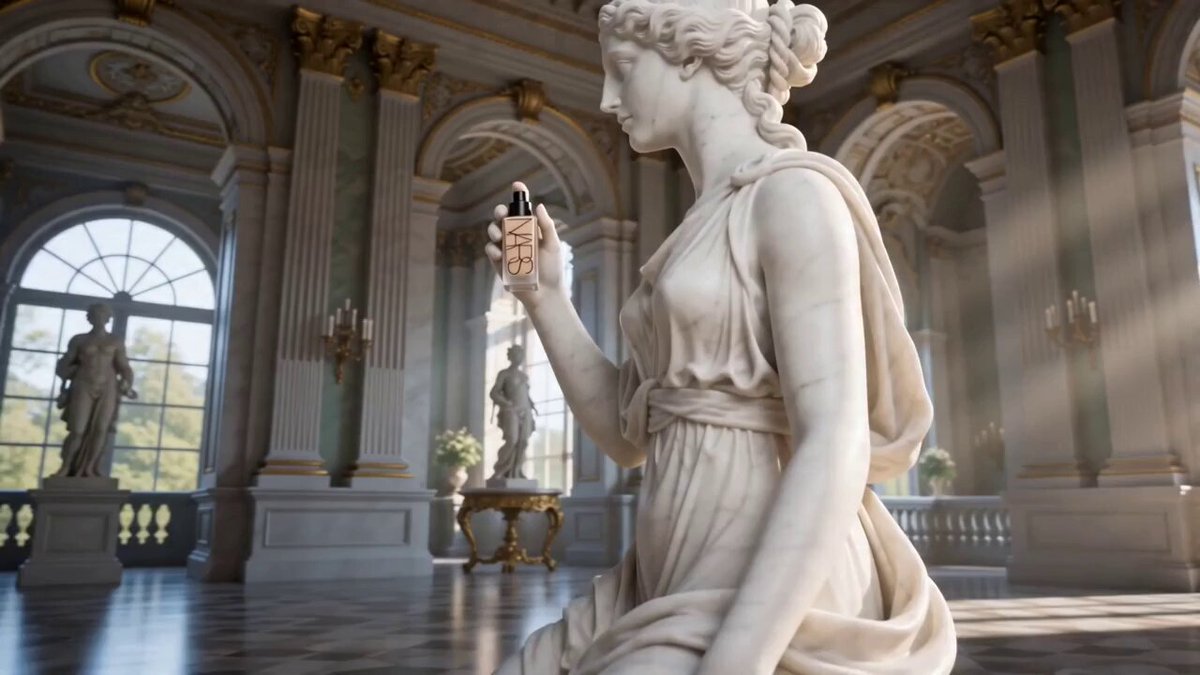
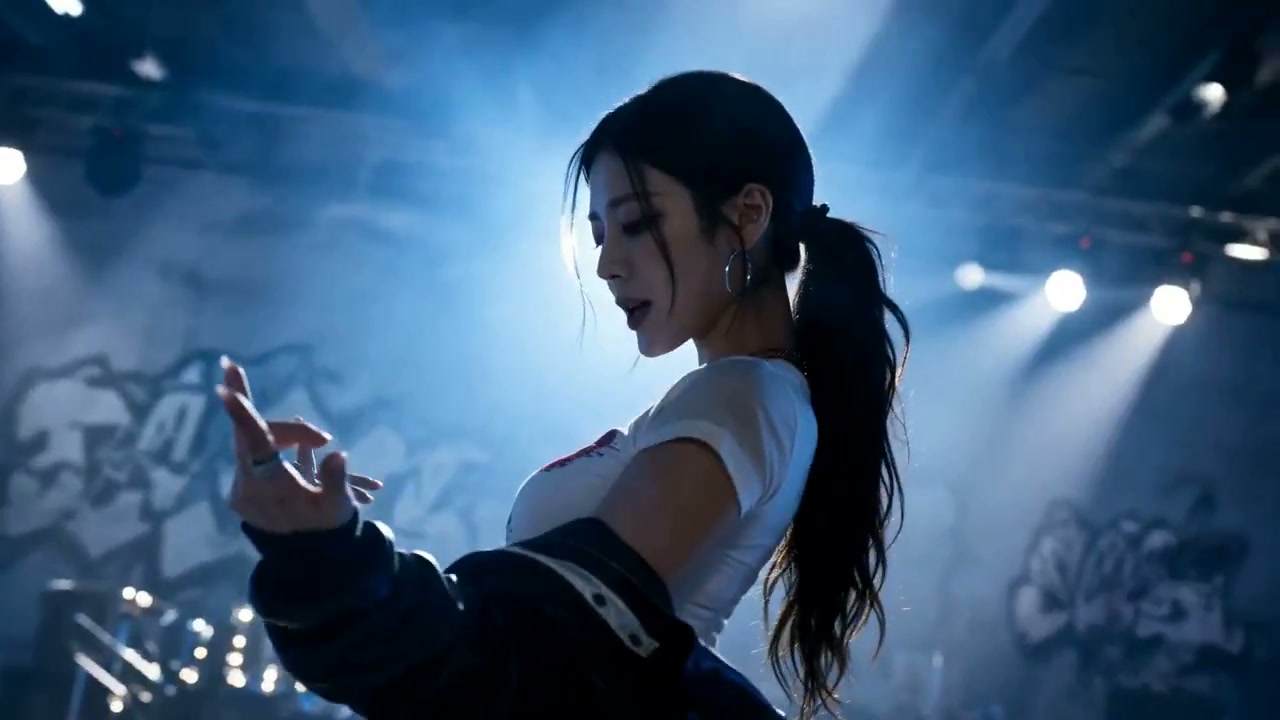
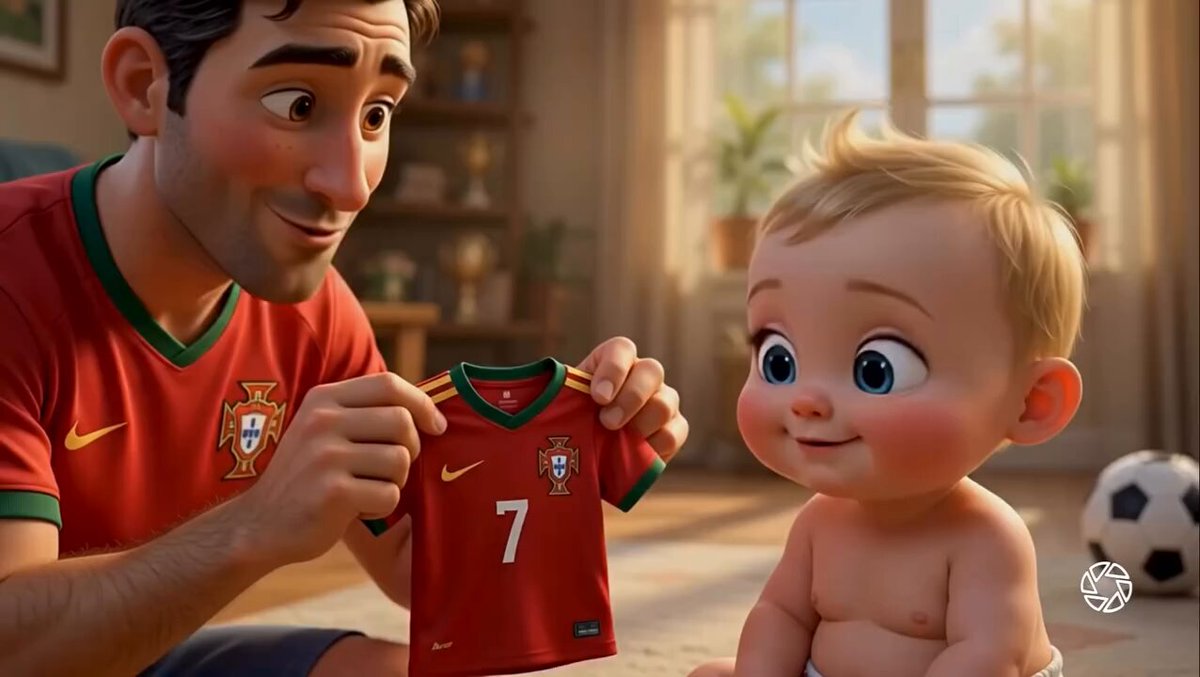
Amazing Gallery of Seedance 2.5
Pick anything close to what you need and load its prompt straight into the generator.
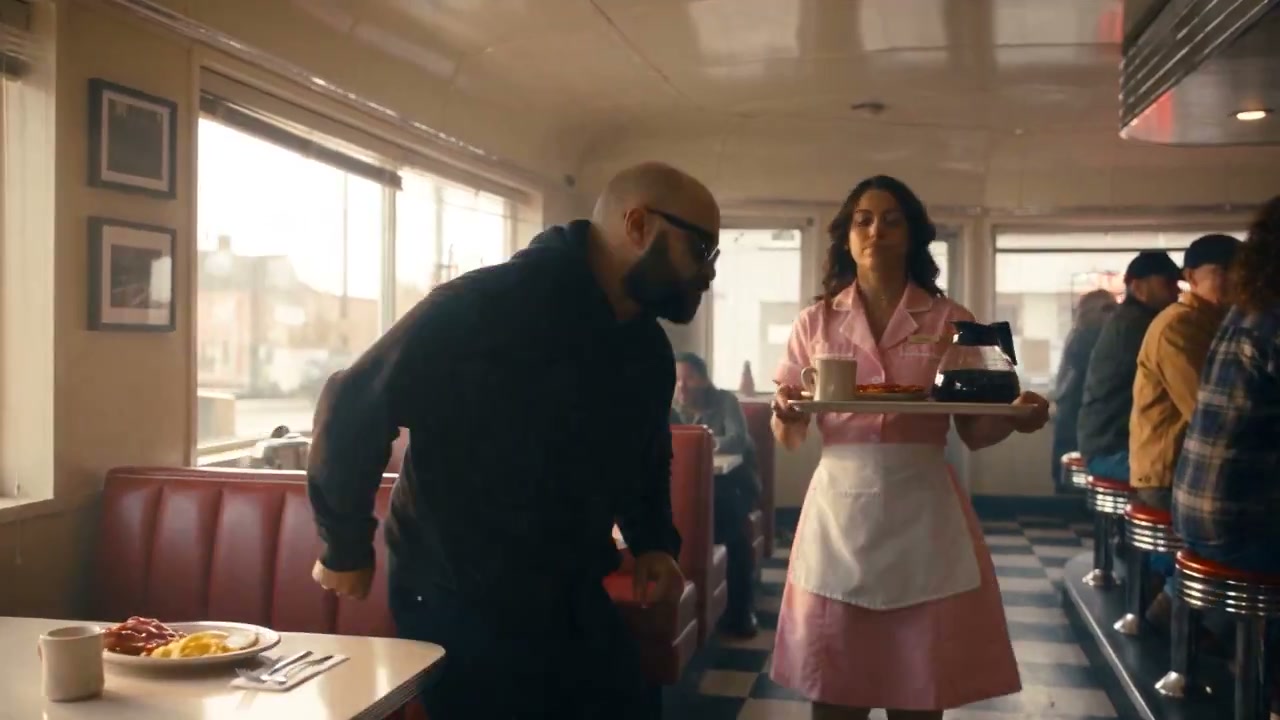
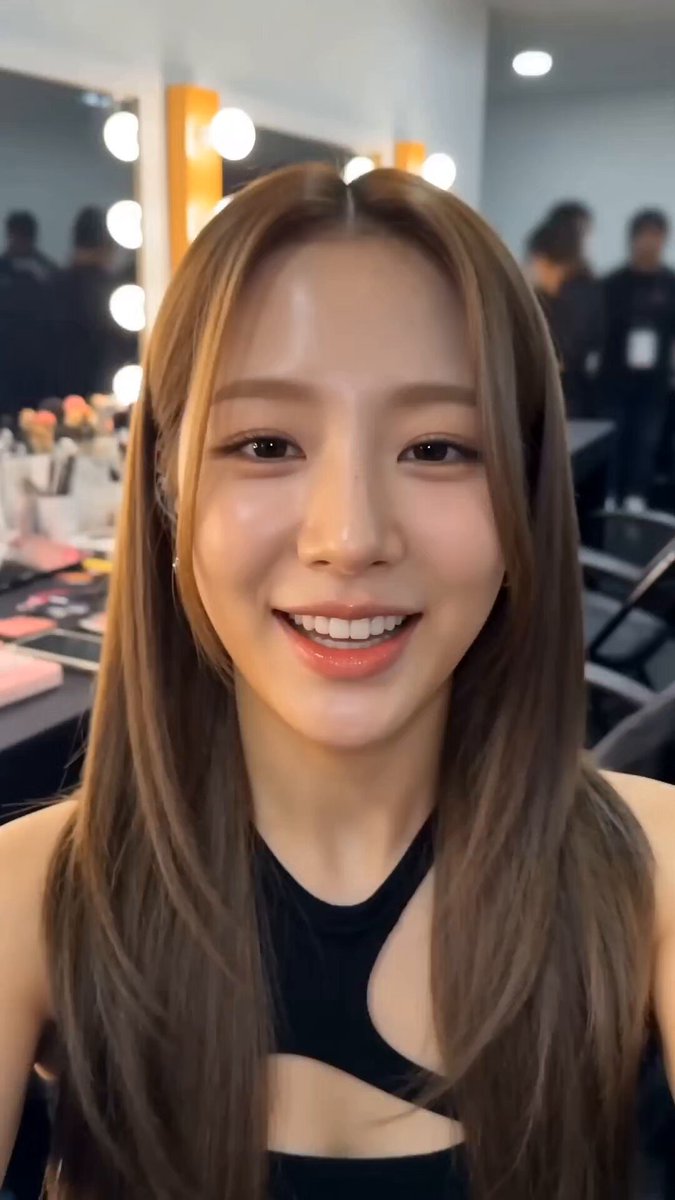
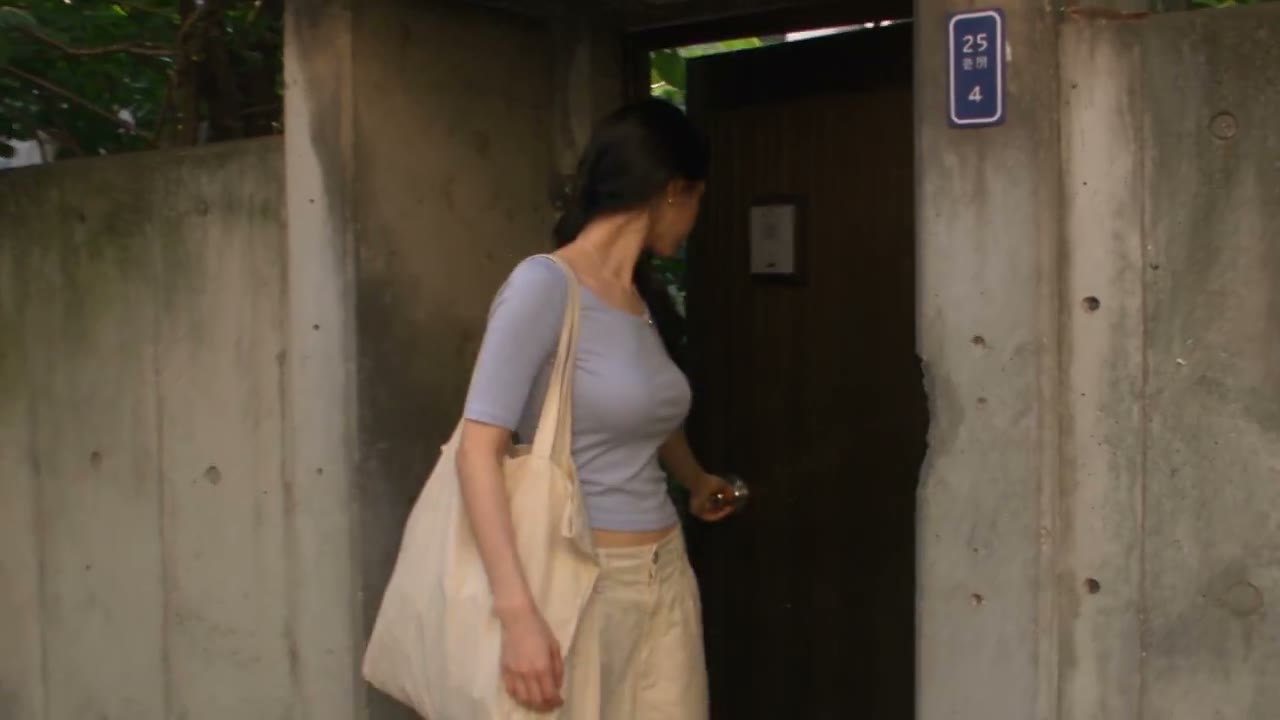
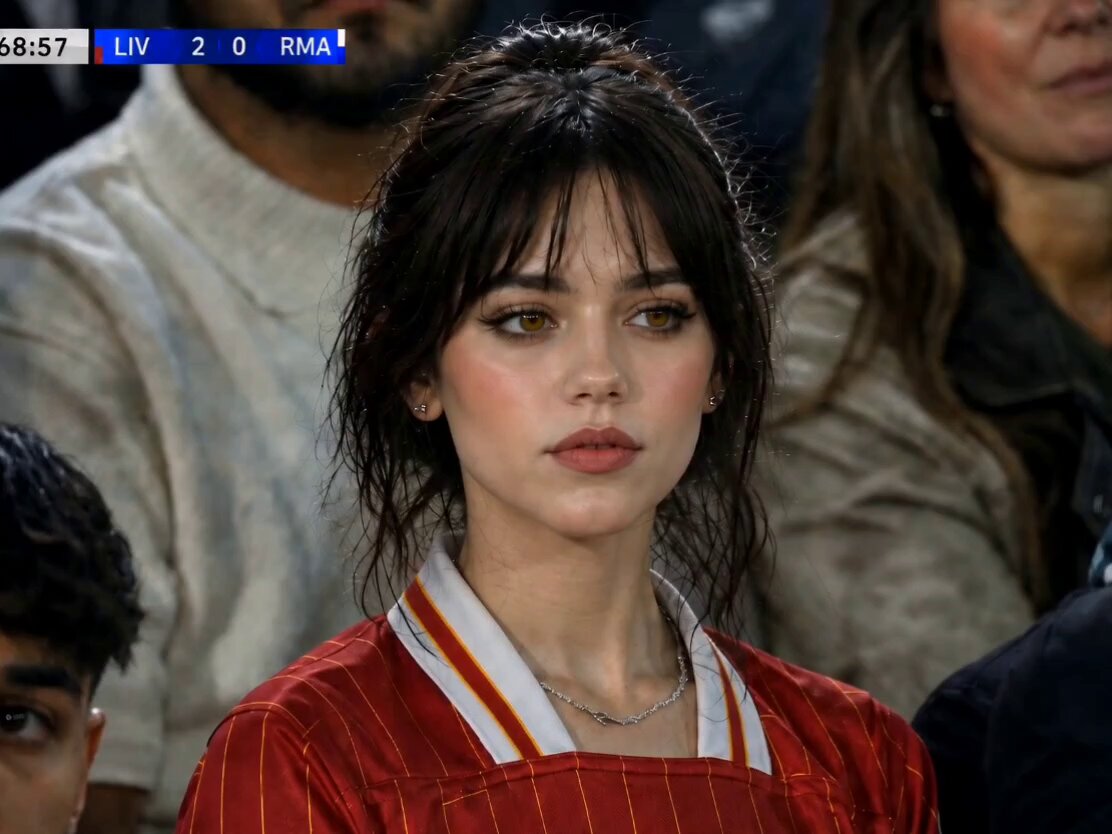
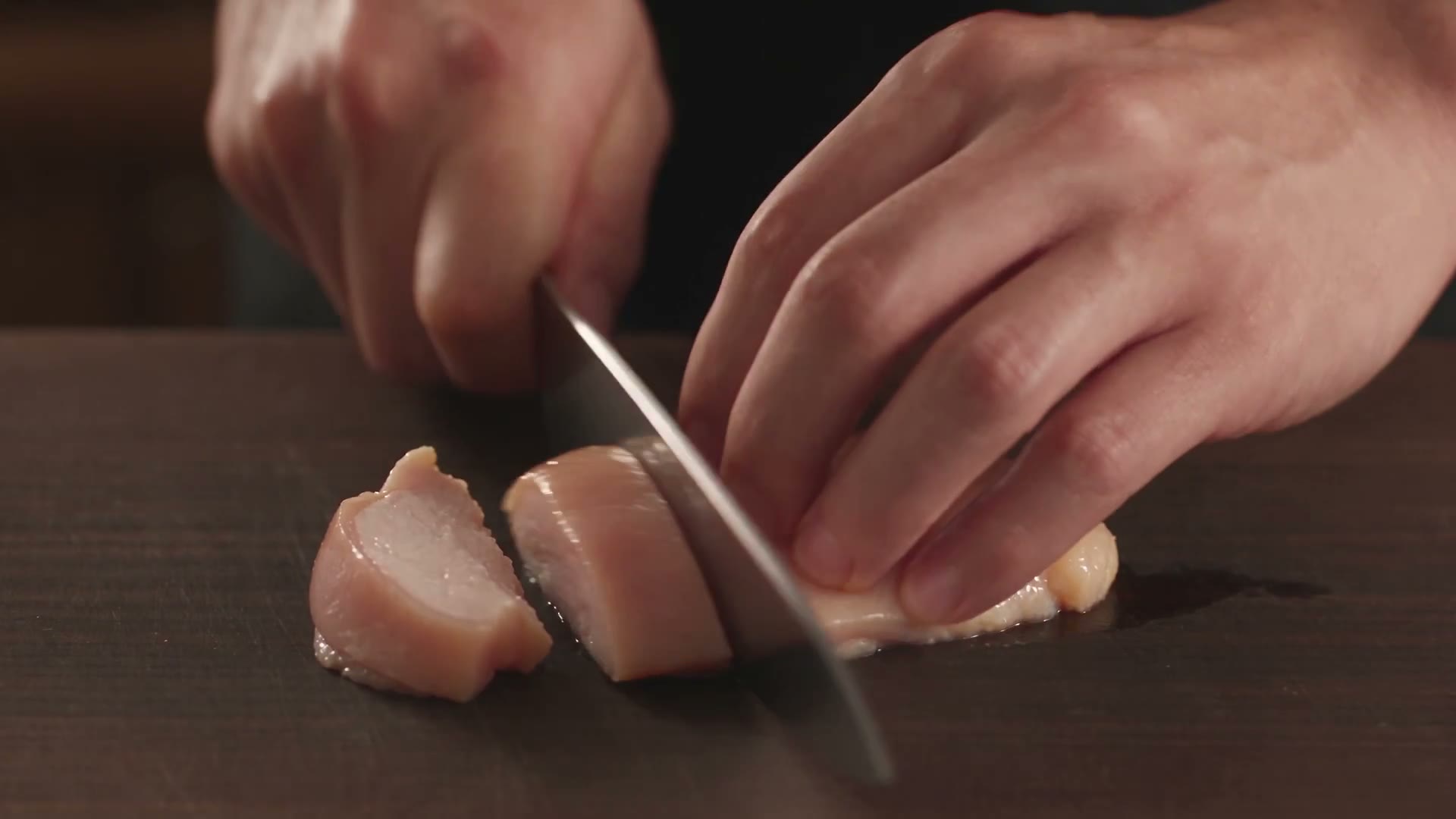
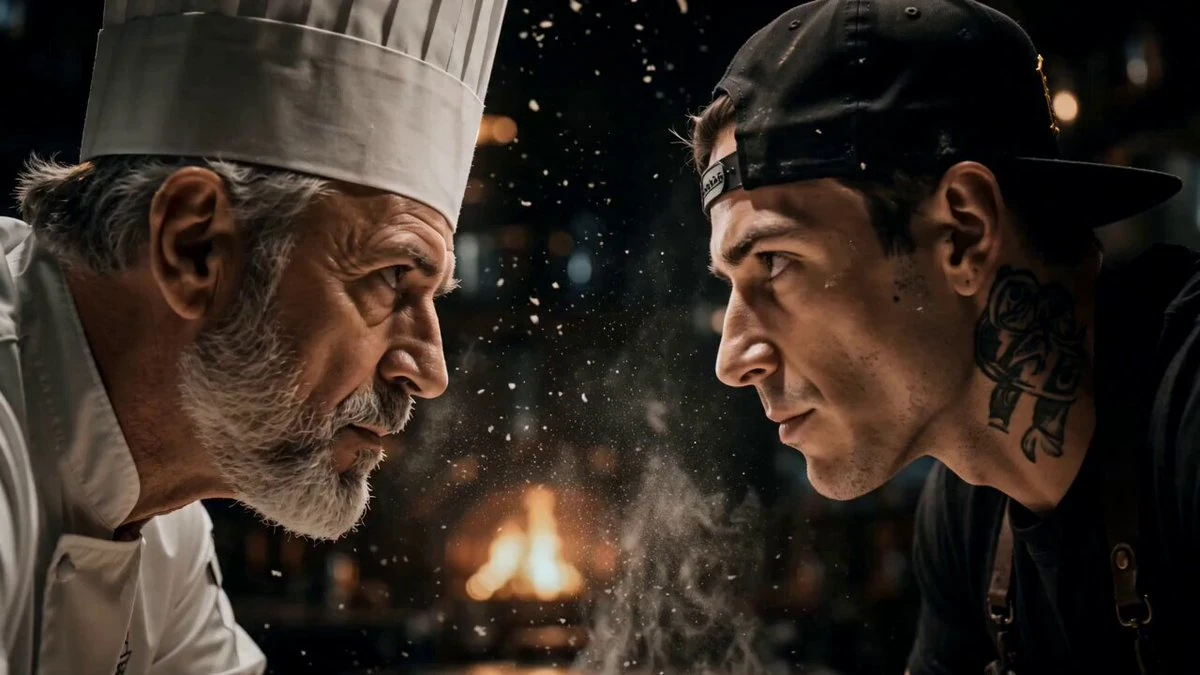
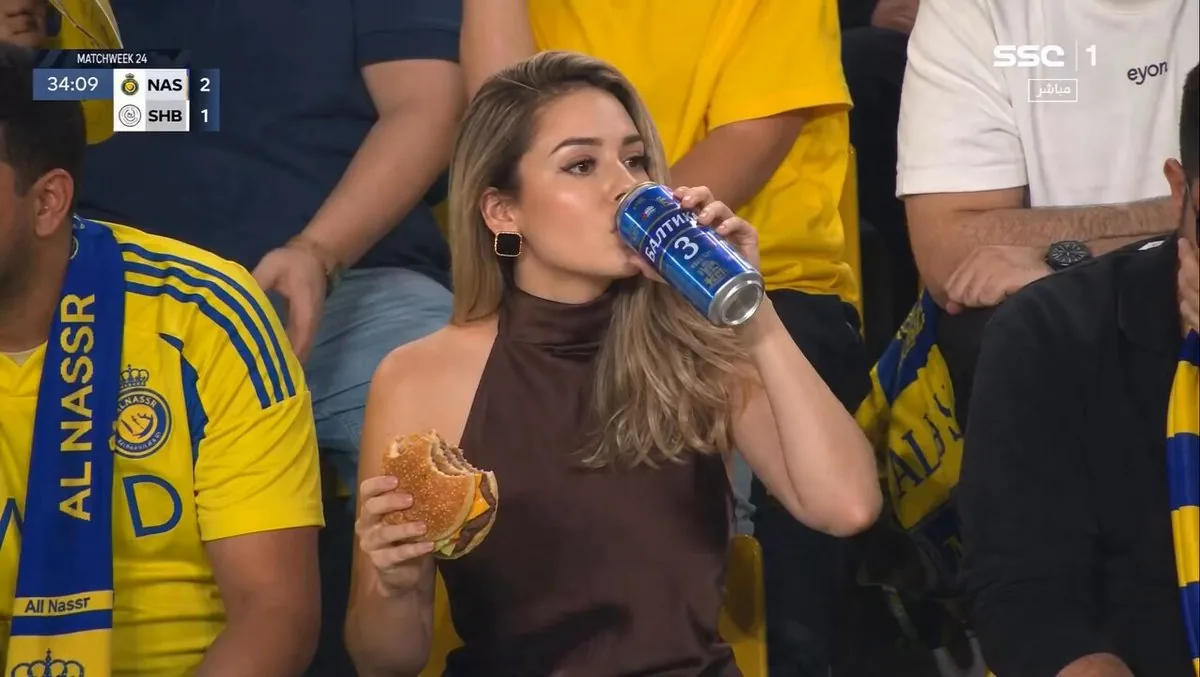
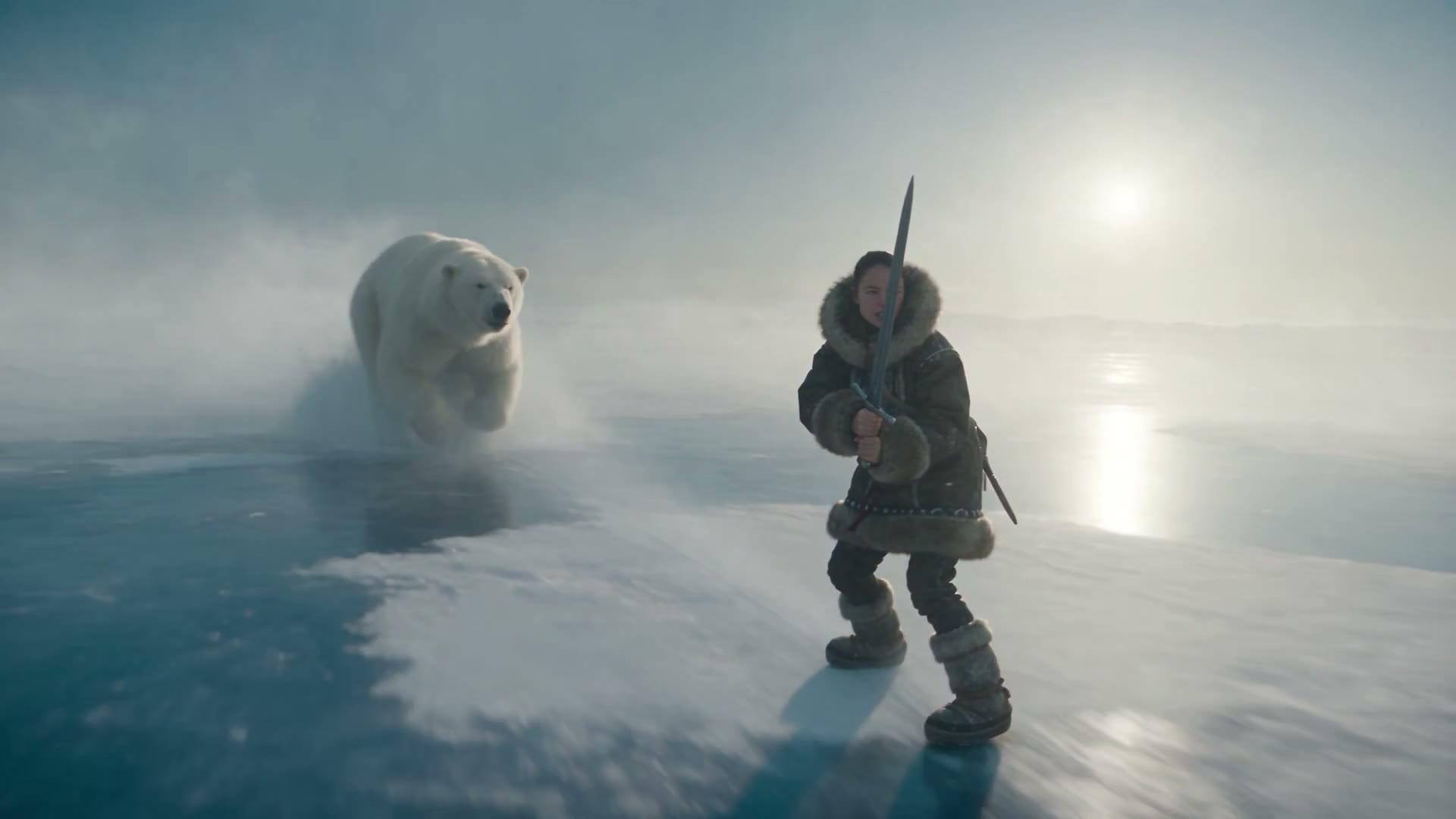
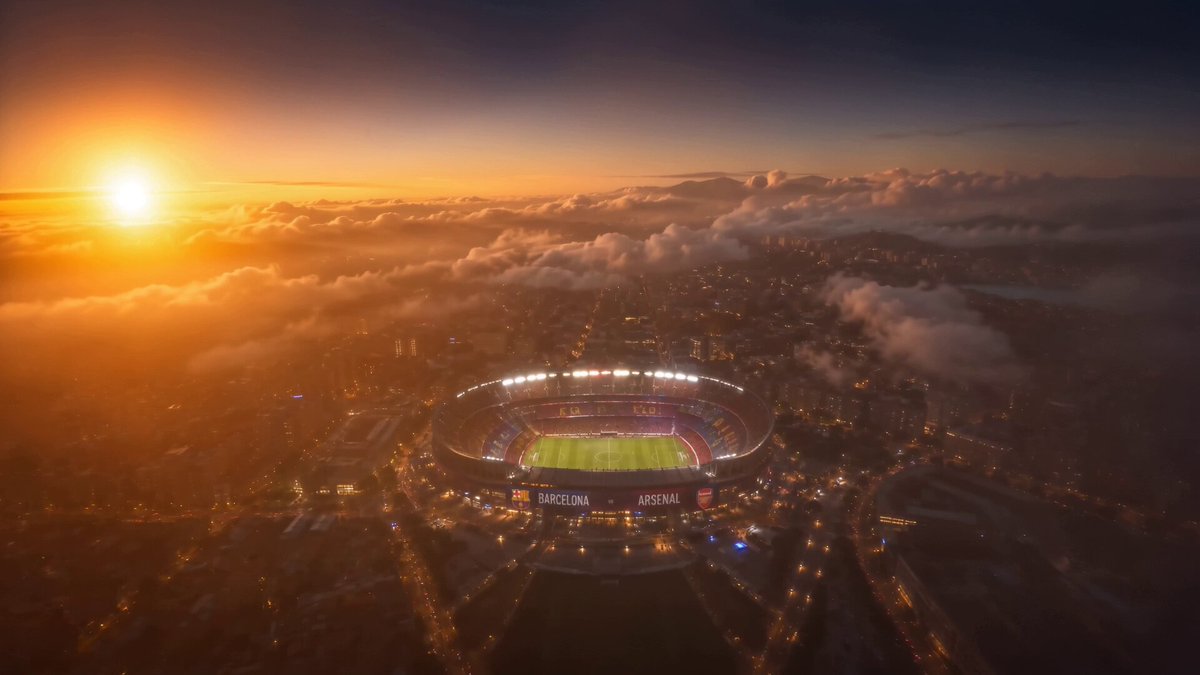
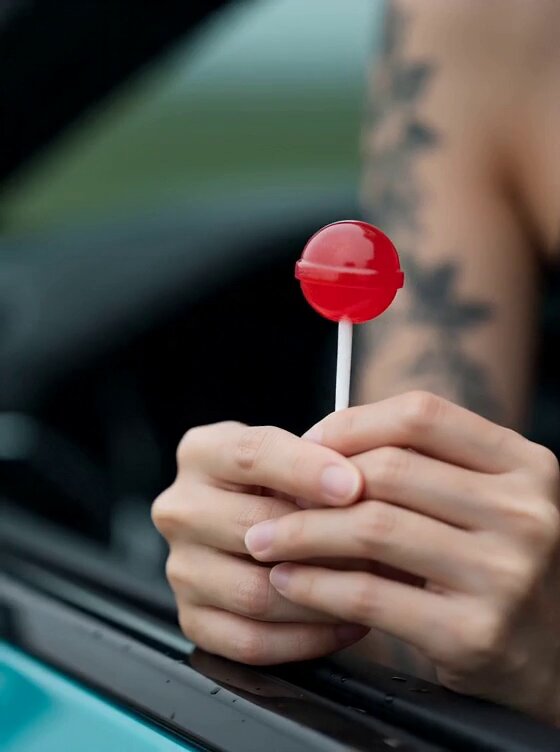
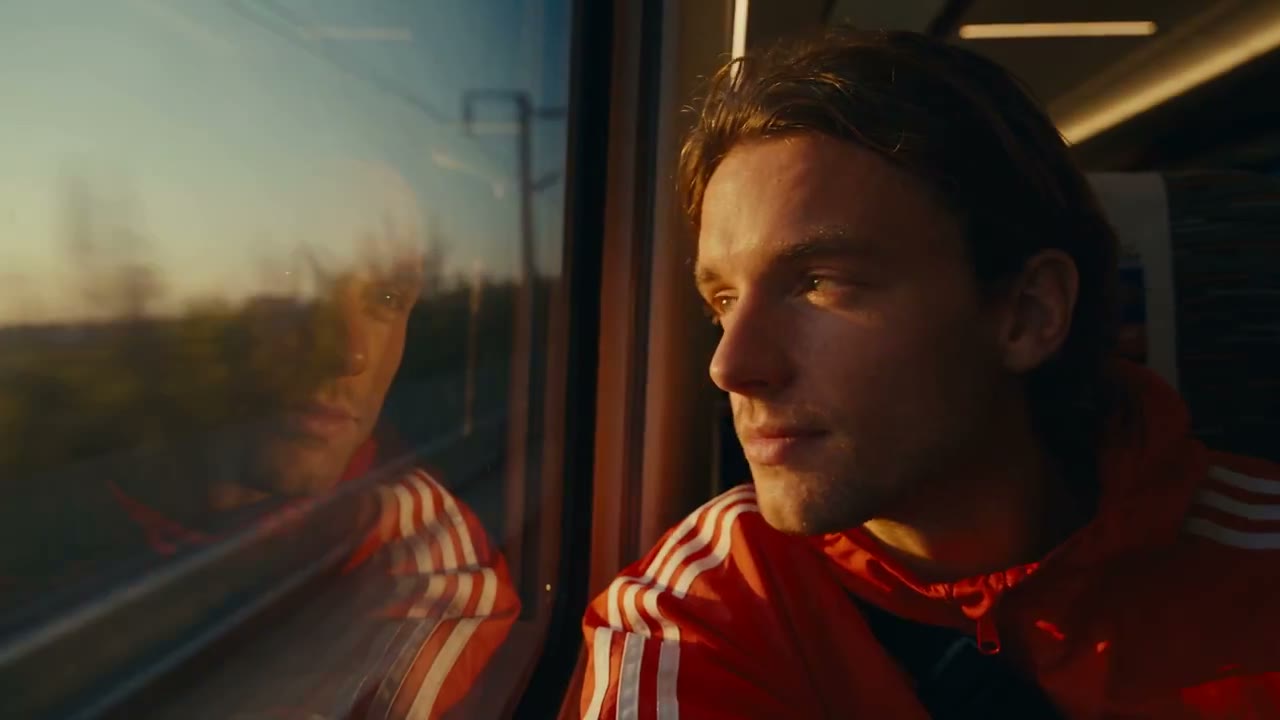
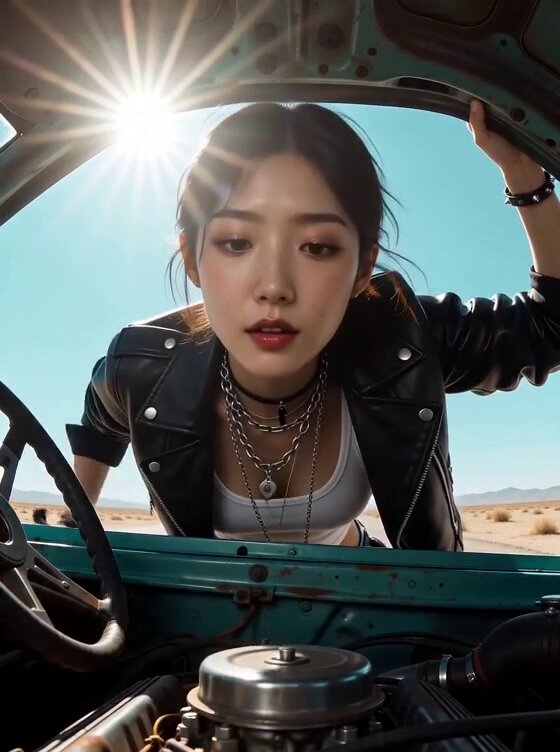

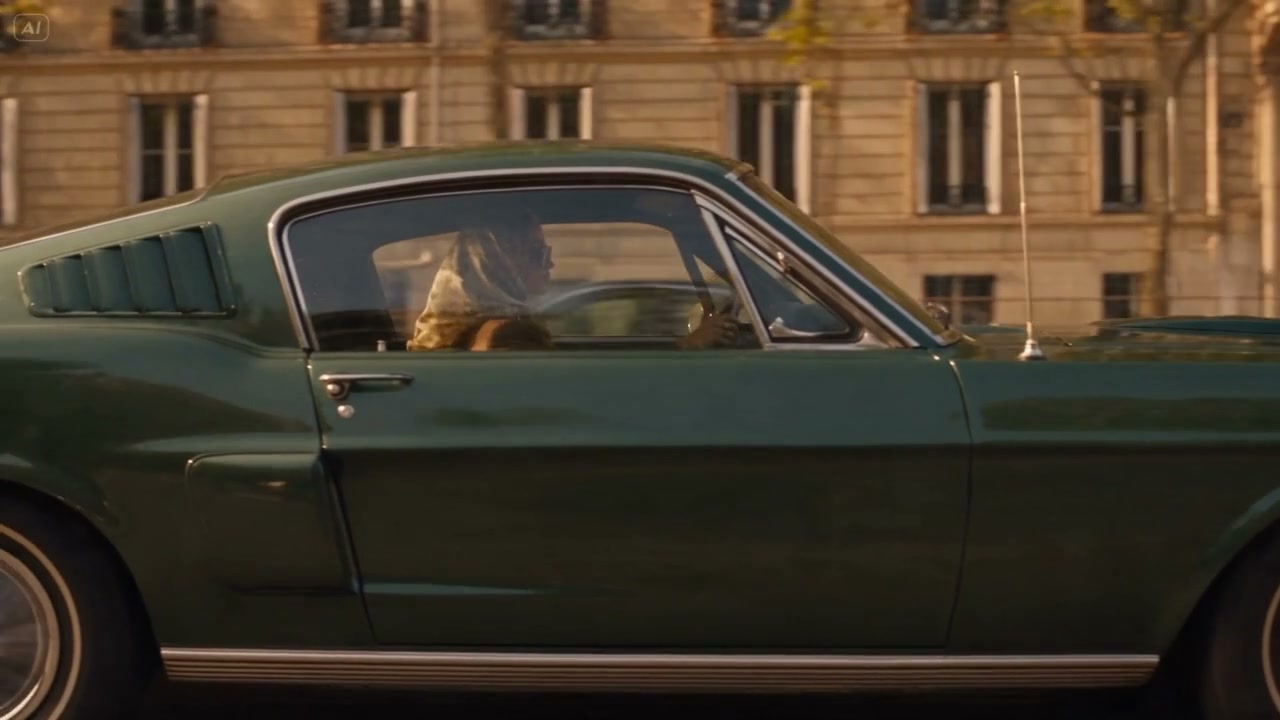
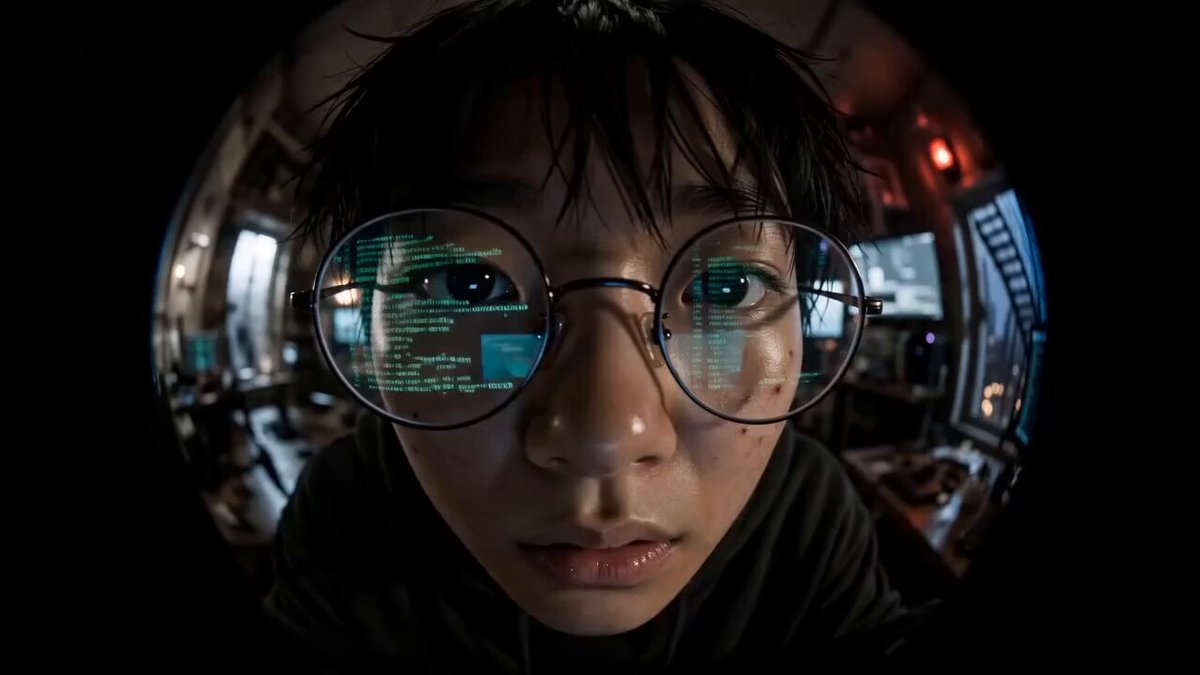
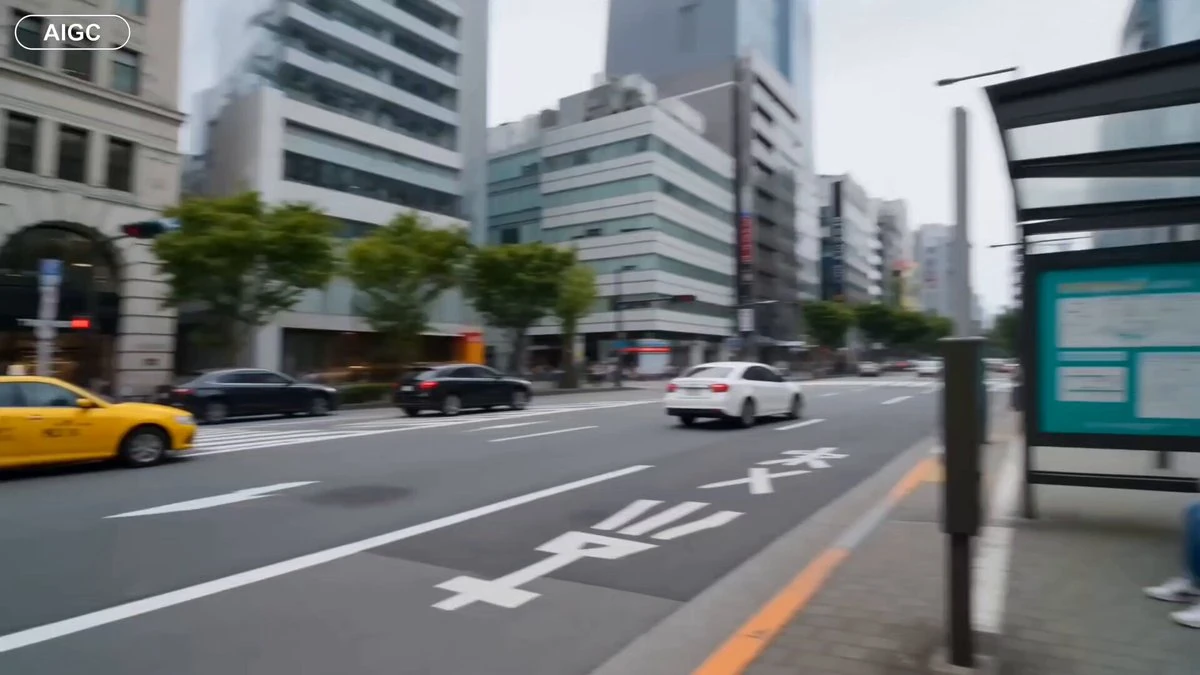
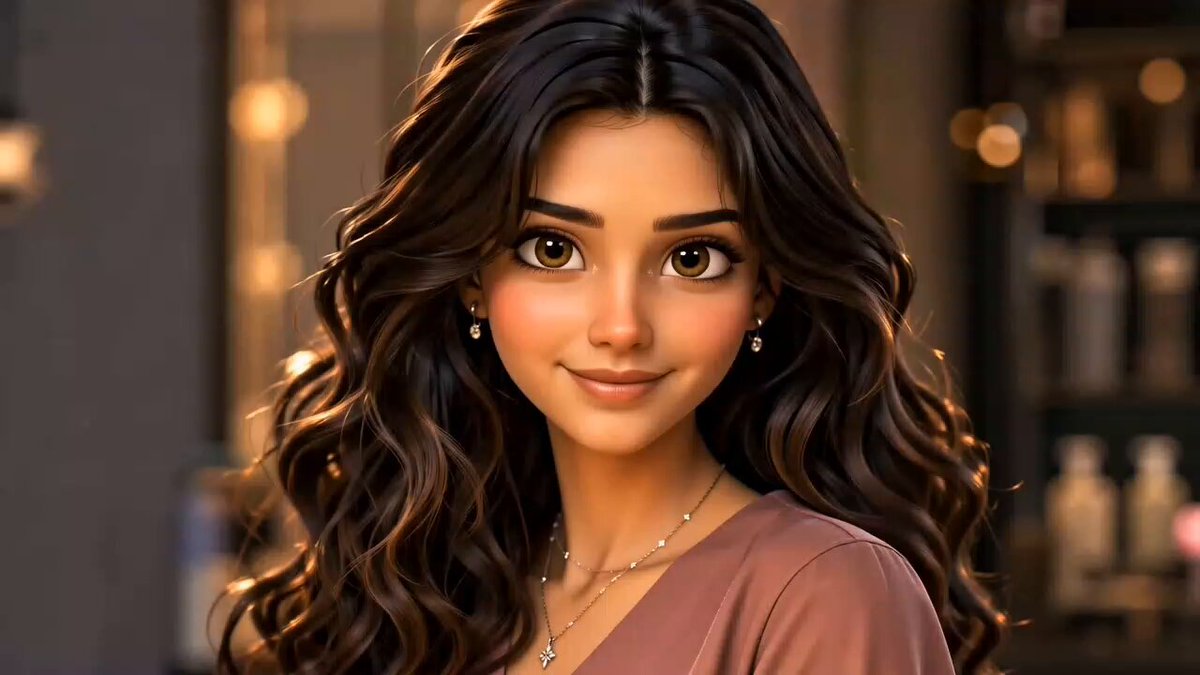

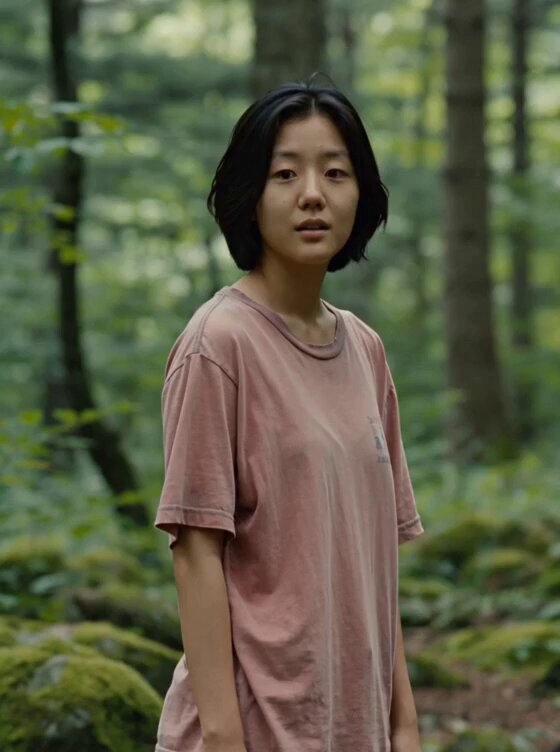
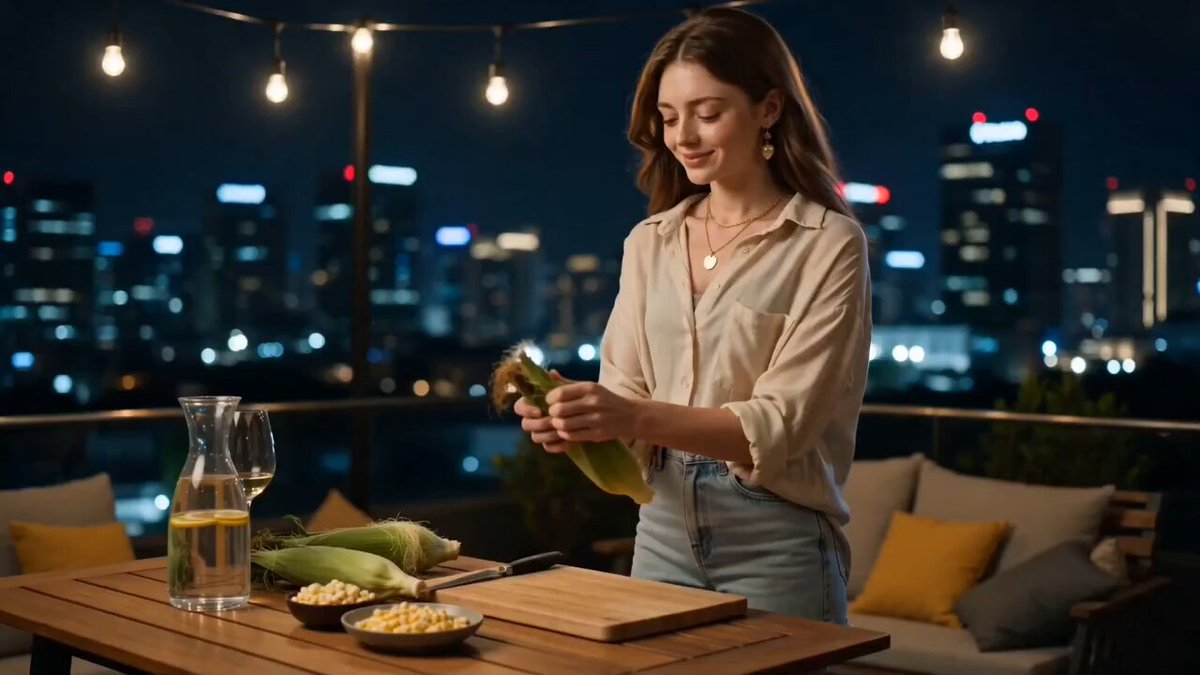
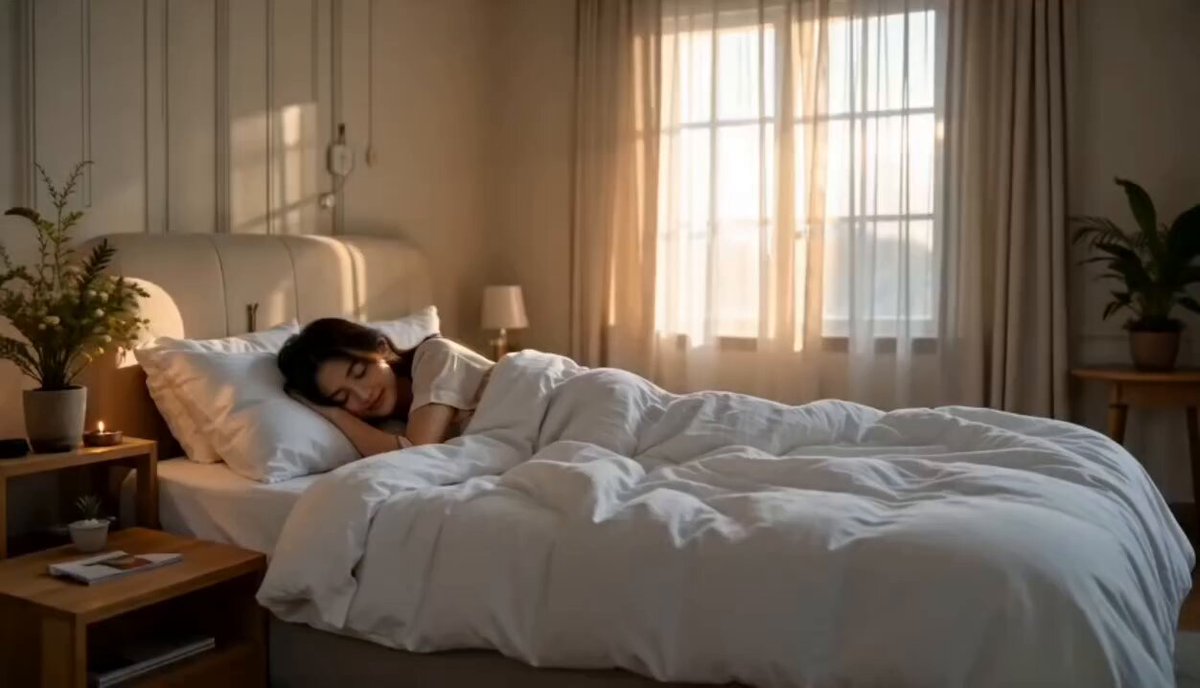
What Makes Seedance 2.5 Stand Out?
Everything below runs on the Seedance 2.5 video model, wired straight into the generator above.
Shots up to 30 seconds
Seedance 2.5 holds a single continuous take far longer than the usual five-second clip, so a scene can actually play out before you cut.
Max 50 Multimodal References
Feed in images, clips and audio at the same time. Seedance 2.5 keeps the subject, style and timing you point it at instead of guessing.
Precision video editing
Restyle a shot, swap an element or extend a take by describing the change in plain language, leaving the rest of the frame untouched.
Camera and motion direction
Call out a dolly-in, a whip pan or a slow orbit in the prompt and Seedance 2.5 follows the move, with subjects staying consistent across frames.
Native synced audio
Dialogue, ambience and effects come out of the same generation pass, already lined up with the picture. No separate sound step.
Ready-to-post output
Export up to 1080p in landscape, portrait or square, so the same idea ships to a site hero, a Reel and a paid ad without a reframe.
How to Create AI Video with Seedance 2.5
Three steps, roughly a minute from idea to first cut.
- Step 1
Add your references
Upload images, videos and audio files as references. Seedance 2.5 mixes up to 50 files so subject, style and sound stay consistent.
- Step 2
Write the shot
Tell Seedance 2.5 what happens, who is in frame and how the camera moves. Concrete direction beats a long list of adjectives.
- Step 3
Generate and share
Hit generate and watch the clip appear in the panel. Download it when it is ready and share it wherever you post.
Who Benefits from Seedance 2.5?
Filmmakers, marketers and creators who need a coherent clip, not a pile of five-second fragments.
Social Creators & Influencers
Generate vertical clips with Seedance 2.5, dialogue and ambience already synced, ready for Reels, Shorts and TikTok — no crew, no separate sound pass.
Marketing & Advertising Teams
Use Seedance 2.5 to spin hook variants from the same product photo, swap a background or talent in an approved shot, and ship landscape plus vertical from one idea.
Filmmakers & Studios
Pitch a sequence as moving shots instead of static boards. Seedance 2.5 lets you lock a cast and location with references, then iterate blocking and camera without booking a stage.
Content Creators & YouTubers
Seedance2.5 turns a script and a handful of stills into a 30-second scene with camera moves and synced audio already in the take. Channel intros, story beats and explainers no longer need a shoot day.
E-commerce Brands
Turn one packshot into a lit, moving product clip. Keep the SKU consistent across angles and markets without a studio day for every listing.
Educators & Training Teams
Illustrate a process or concept with a short scene when stock footage does not have it. Native audio means the explanation and the picture land together.
What Creators Say about Seedance 2.5
Feedback from people shipping with the generator every week.
The 30-second takes changed how I plan. I can block a whole beat in one render instead of stitching five clips and hiding the seams.
We test eight hooks a week now. Seedance2.5 gets us from a product photo to something worth putting money behind the same afternoon.
Audio coming out of the same pass is the part I did not expect. The dialogue lands on the mouth, so I stopped fixing sync in post.
One packshot used to mean a still. Seedance 2.5 lets me run the same SKU through a few camera moves and still get our product, not a random render, in the listing clip.
When stock does not have the process I need, I describe the beat and get a short scene with the narration already on the picture. Training decks stopped waiting on a shoot.
I lock a face with a still, write the beat, and Seedance 2.5 gives me a 30-second intro I can actually cut into. Extending a take in plain language saved me a whole reshoot last month.
Frequently Asked Questions
Everything you need to know about Seedance 2.5
Yes. New accounts get free credits, which is enough to generate your first videos and judge the quality yourself. After that you can buy a credit pack or a subscription on the pricing page.
A single generation can run from 4 to 30 seconds as one continuous shot. Longer pieces are usually built by generating several shots and cutting them together, or by extending an existing clip through video editing.
You can start from a text prompt alone, or add images, video and audio as references in Seadance 2.5. Images work as a start frame or a subject and style guide, video guides motion, and audio can drive timing. You can combine up to 50 references in one generation.
Seedance 2.5 outputs 480p, 720p or 1080p. You can set the frame to 16:9, 9:16, 4:3, 3:4, 1:1 or 21:9, or leave it on Auto. Start from an image and the output follows that first frame's ratio.
Videos you generate with Seedance 2.5 on a paid plan can be used in commercial work, including ads and client deliverables. Check the terms and the AIGC acceptable use policy for the details and the content rules that apply.
Yes. Upload the clip, describe the change in plain language, and Seadance 2.5 applies it while keeping the rest of the frame intact. It handles restyling, replacing an element and extending a take.
Direct the shot rather than describing a mood. Name the subject, the action, the lens or camera move and the lighting, keep it to one clear beat per generation, and add a reference image whenever the look matters.
Bring Your Scene to Life with Seedance 2.5
Sign up for free credits — no card required — and generate your first clip now.